Is it possible to make the matched login entries box follow the theme of Kee firefox extension? I have set the Kee theme to Dark, but the matched login entries box continues to have a white background with black text (see image below. Note, I’ve removed my account details from the screenshot).
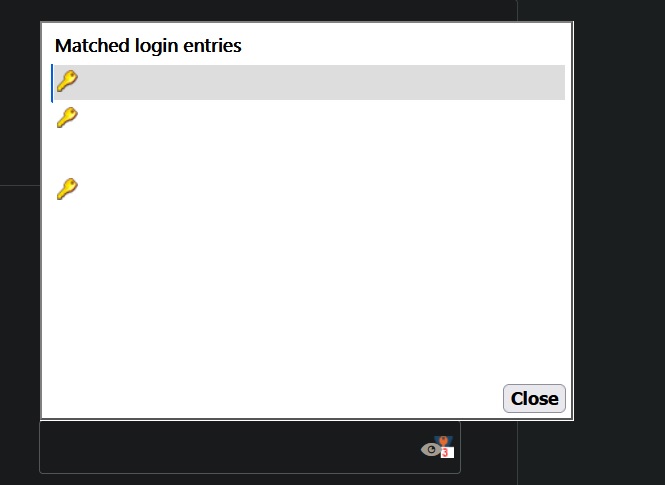
Can someone help me make it follow the dark mode theme?
My personal preference:
Background: Black or a dark color
Border: white
Text: white
Selection color: dark blue (something like #023d70)