I also got the same message (for KeePassRPC 1.8.0.0) when I upgraded KeePass to 2.39.1 yesterday (also on Win 7), but the Kee addon has prompted for the authorisation and is working for me now.
_
Just copy the screenshot into your clipboard and paste on a blank line when composing a message or drag-and-drop works as well.
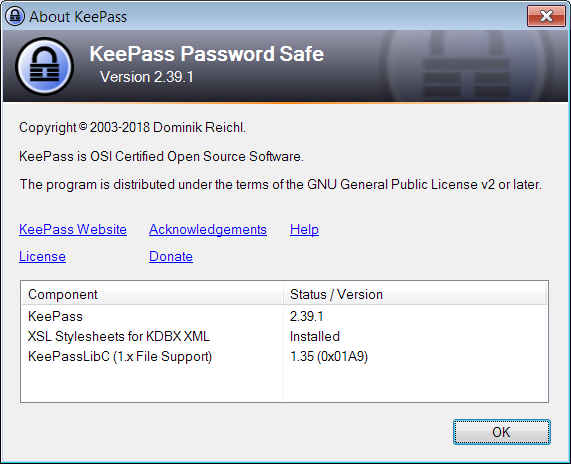
I’m a “new user” so I can only post a single image per post.